
Cycloidal Reducer Disc: Creating an 11-Lobe Profile Defined by Equations in CAD
Create a cycloidal reducer disc in CADlingo by entering its profile equations, ring pin dimensions, and eccentricity, then review the resulting model.
Read article →Practical guides and notes on creating, inspecting, and refining CAD.
Create a cycloidal reducer disc in CADlingo by entering its profile equations, ring pin dimensions, and eccentricity, then review the resulting model.
Read article →CADlingo creates a rocker arm valve train with 7 parts that contact one another and move, from a single design request. The base, rocker shaft, rocker arm, valve, spring retainer, valve spring and pushrod are separate solids, with contact locations matching the coordinates in the request. Open the rocker arm valve train example to view the full request and model.
Read article →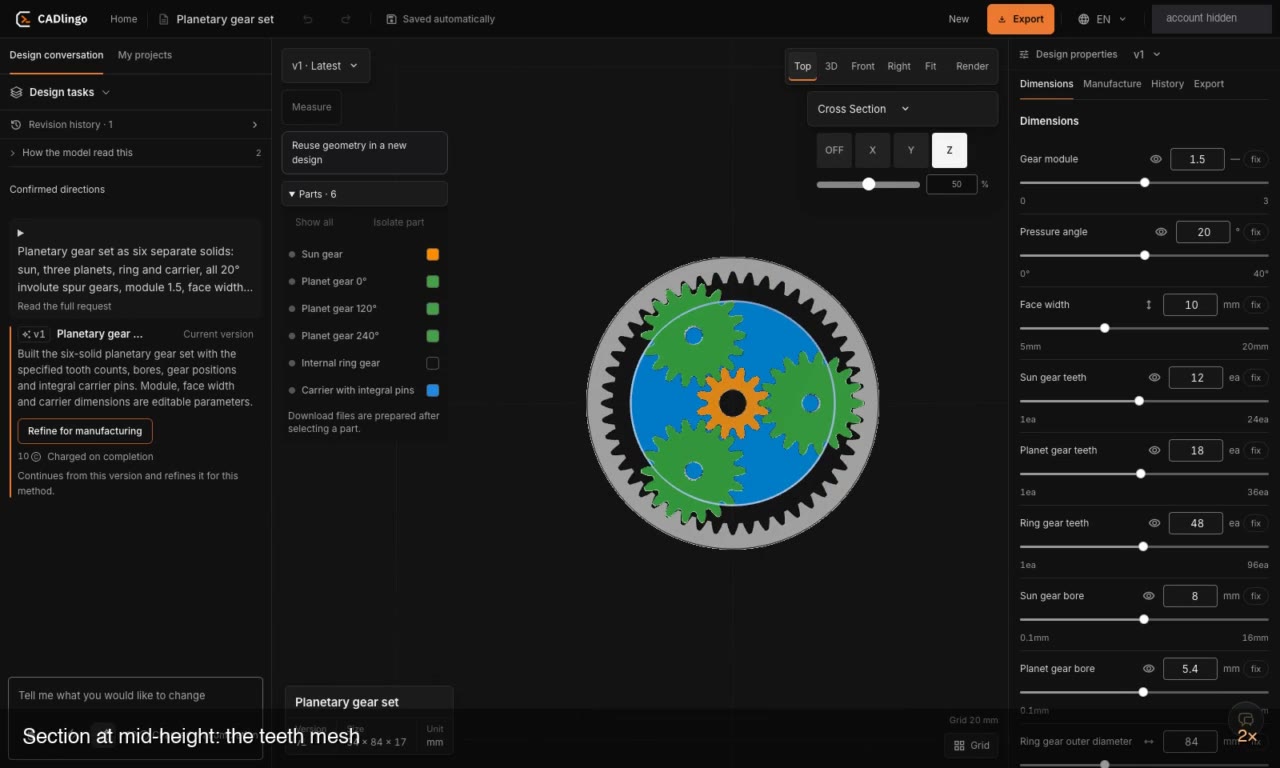
We looked at how the gears mesh and how the channel runs through the manifold. Here’s what we checked in each STEP model.
Read article →Export AI-generated CAD models in the format suited to your next task. Use STL or 3MF for 3D printing, STEP to continue editing in another CAD program or send to a contractor, and DXF for 2D drawings or sheet metal work. CADlingo exports these formats from a single model and includes the part structure of models with multiple parts.
Read article →Before a team review of a CAD model with multiple solids, check the component structure, reference axes and orientation, contact areas, and version to hand over, in that order. CADlingo’s public swivel caster example includes a model generated as seven solids alongside its design prompt, providing a starting point for comparing requirements with geometry.
Read article →When requesting a Geneva mechanism in text, specify the slot count, drive pin size and position, center distance between the two rotation axes, and angular references for the assembly separately. CADlingo’s public Geneva drive example provides an input prompt that defines these conditions with coordinates and dimensions.
Read article →In CADlingo, you edit the same design directly on the model. Click to identify the area to change, select geometry and enter a new size, then compare recent revisions. If the result differs from your intent, undo the change or restore an earlier version from history. This article shows the sequence using the public Raspberry Pi 5 case example.
Read article →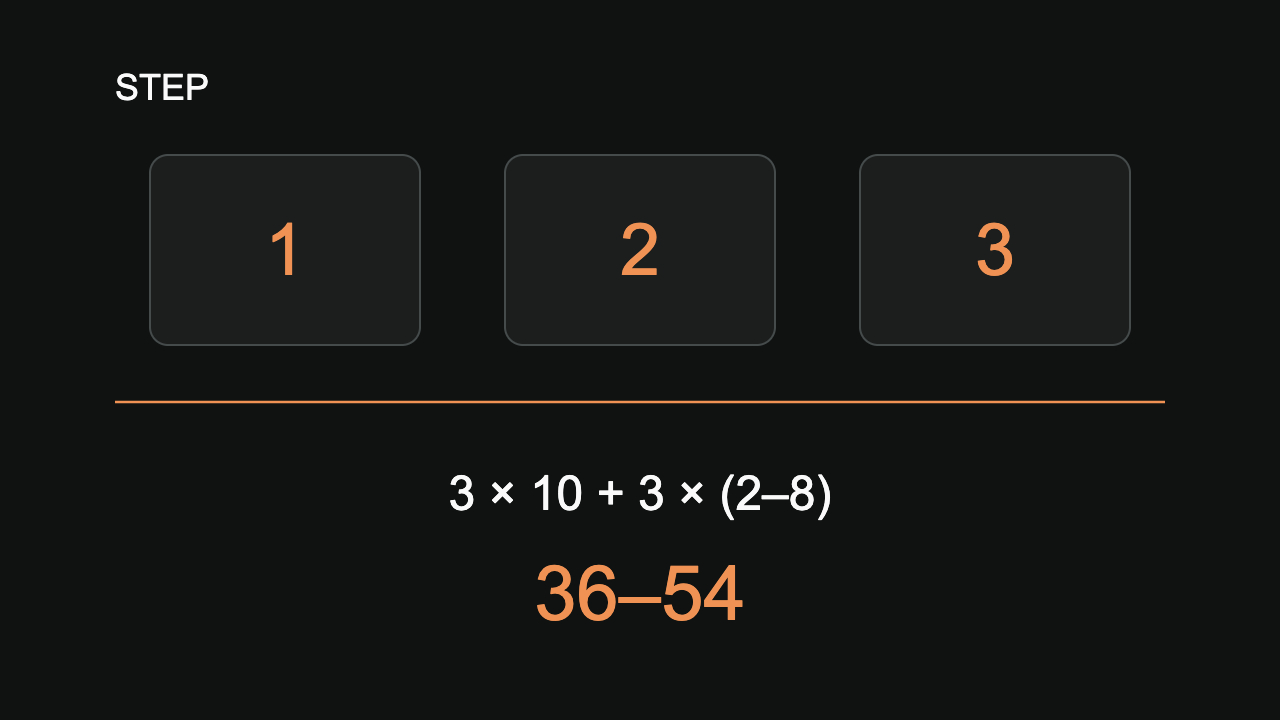
Work out why three final models need 36–54 credits, while exporting both drafts and finals would exceed Free’s three-version STEP allowance.
Read article →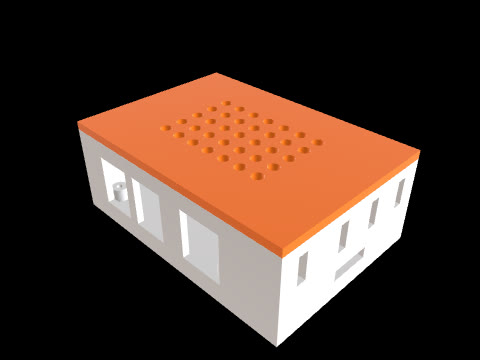
A case sketch needs board supports, connector access and lid clearance. Use a saved Pi 5 model to turn those interfaces into a useful design brief.
Read article →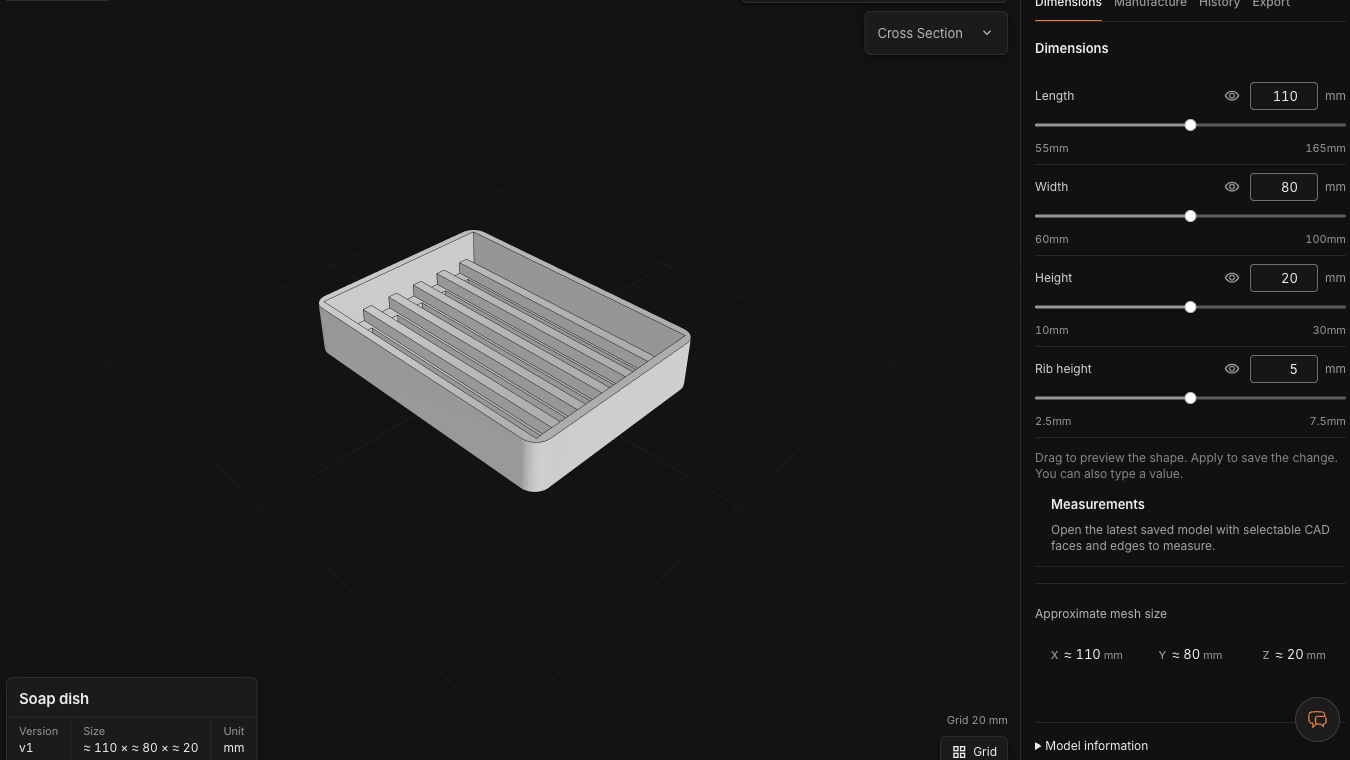
A real 110→130 mm length preview shows which dimensions are exposed, which geometry follows them, and when a structural change needs chat.
Read article →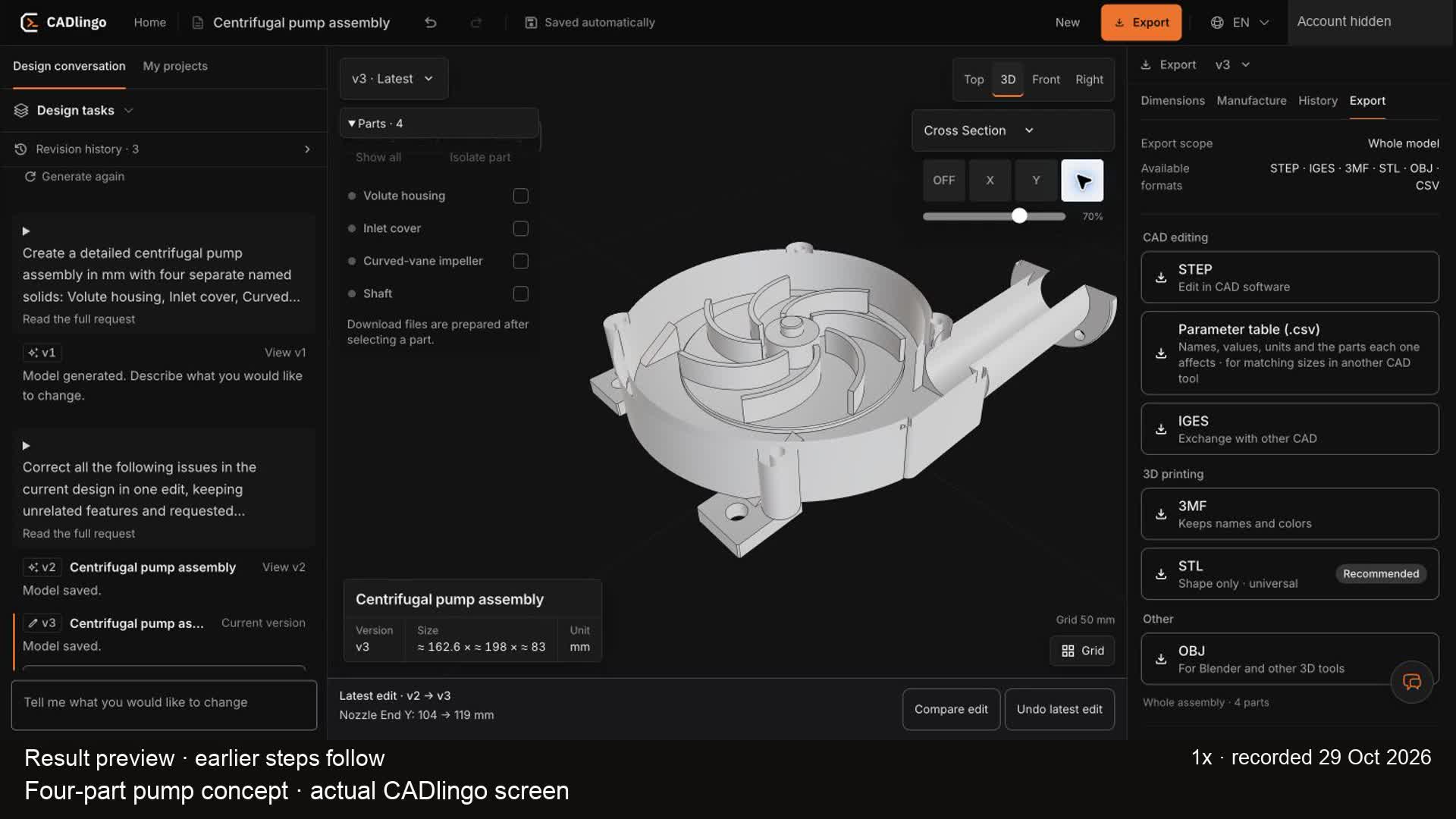
Follow a real CADlingo pump concept from a written request to a 15 mm outlet edit, section review and saved STEP.
Read article →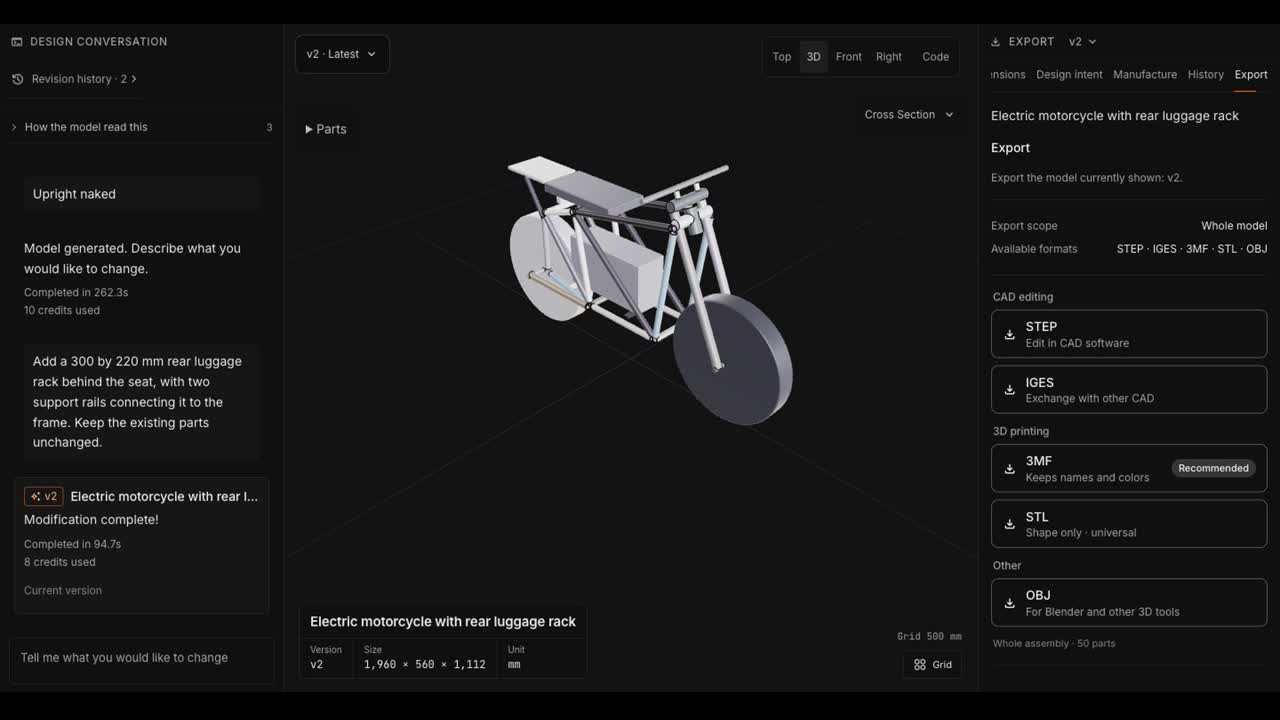
A real CADlingo edit: add a 300 × 220 mm rear rack and two support rails, save v2, reopen the project and download STEP and STL.
Read article →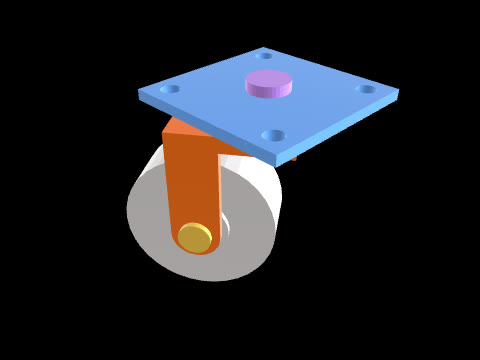
A seven-part caster exposes only two direct controls. Use that gap to test geometry, editability and file handoff as separate capabilities.
Read article →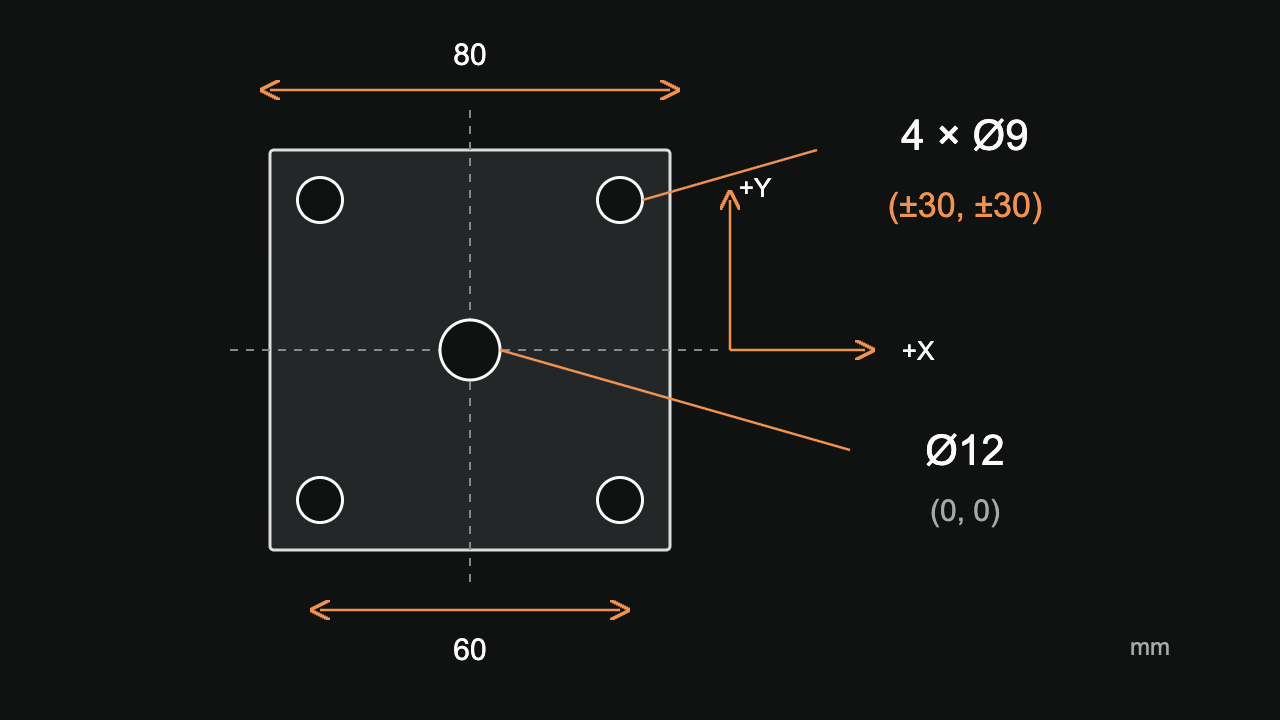
Use CADlingo’s swivel caster example to explore reference axes, hole centers and through directions, local coordinate systems for rotated parts, and checks before model changes and STEP handoff.
Read article →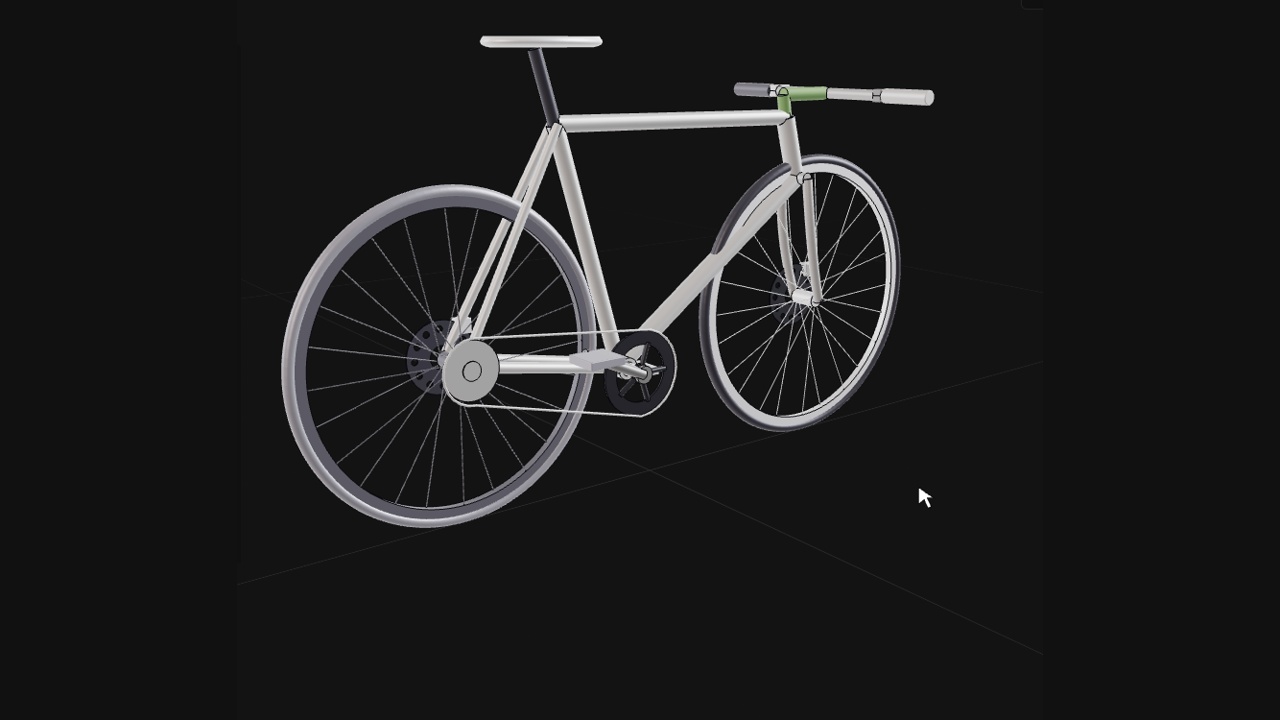
Start with one sentence, choose a direction, and revise the handlebar on the resulting bicycle concept in CADlingo.
Read article →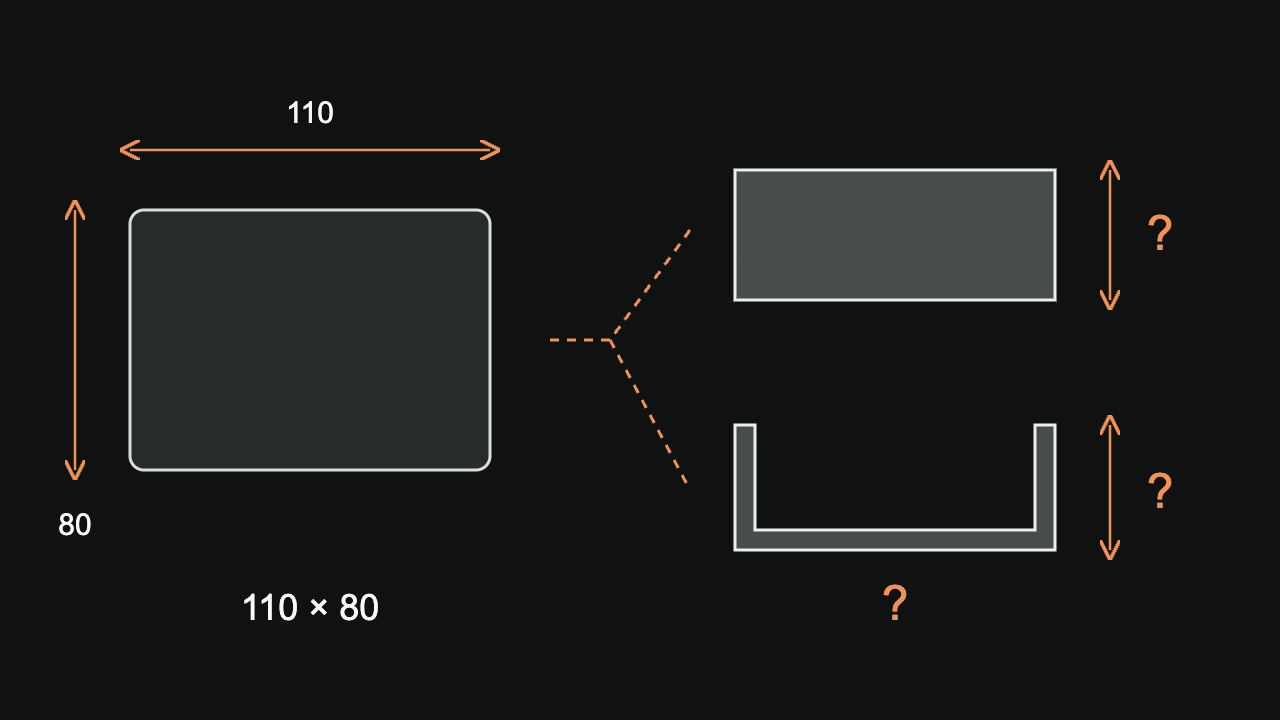
Separate visible shape, measured dimensions and hidden geometry before submitting a reference image. A top view can describe several different solids.
Read article →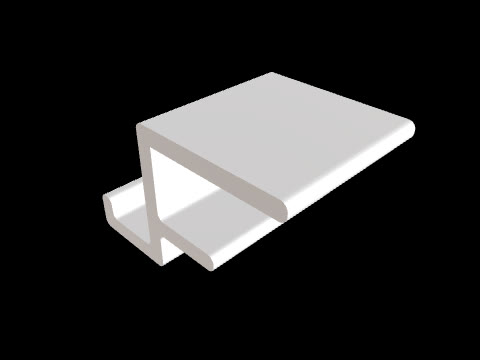
A 25 mm desk hook separates fixed interfaces from revision goals and shows when a fit check, a geometry edit or a physical test answers the next question.
Read article →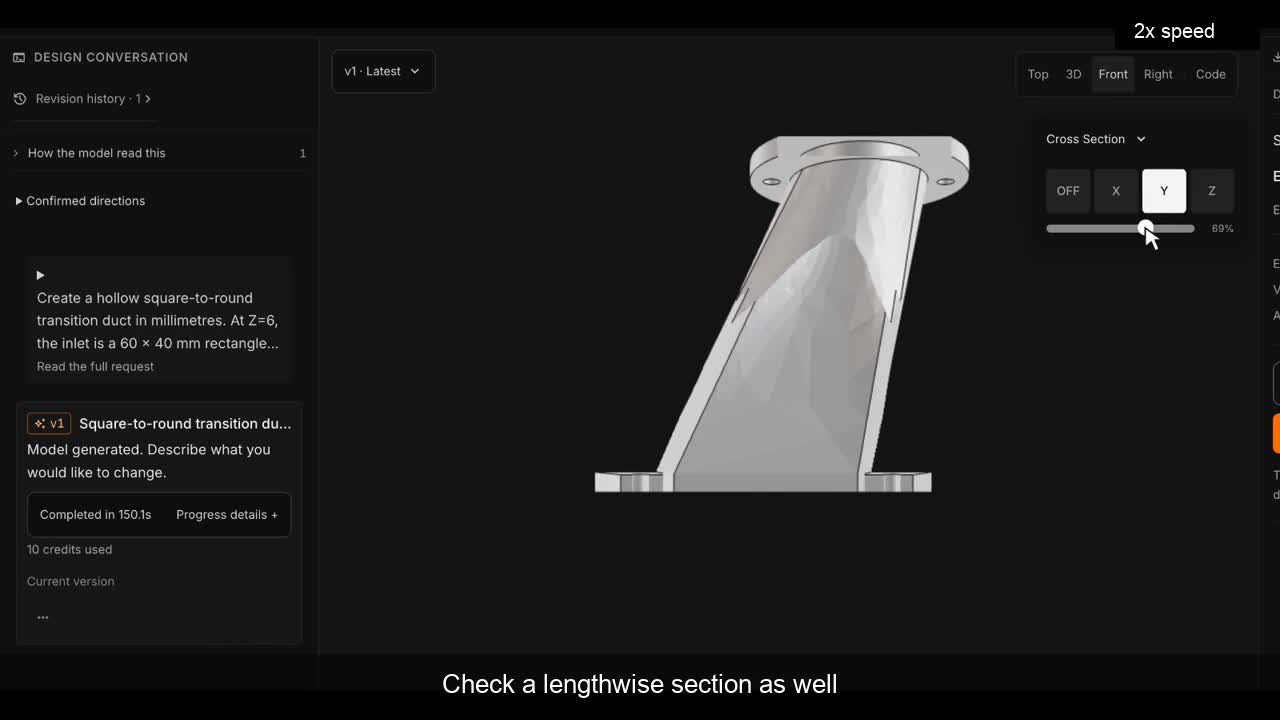
A real CADlingo workflow for a rectangular-to-round duct: specify the openings and offset, inspect moving sections, and check the exported STEP.
Read article →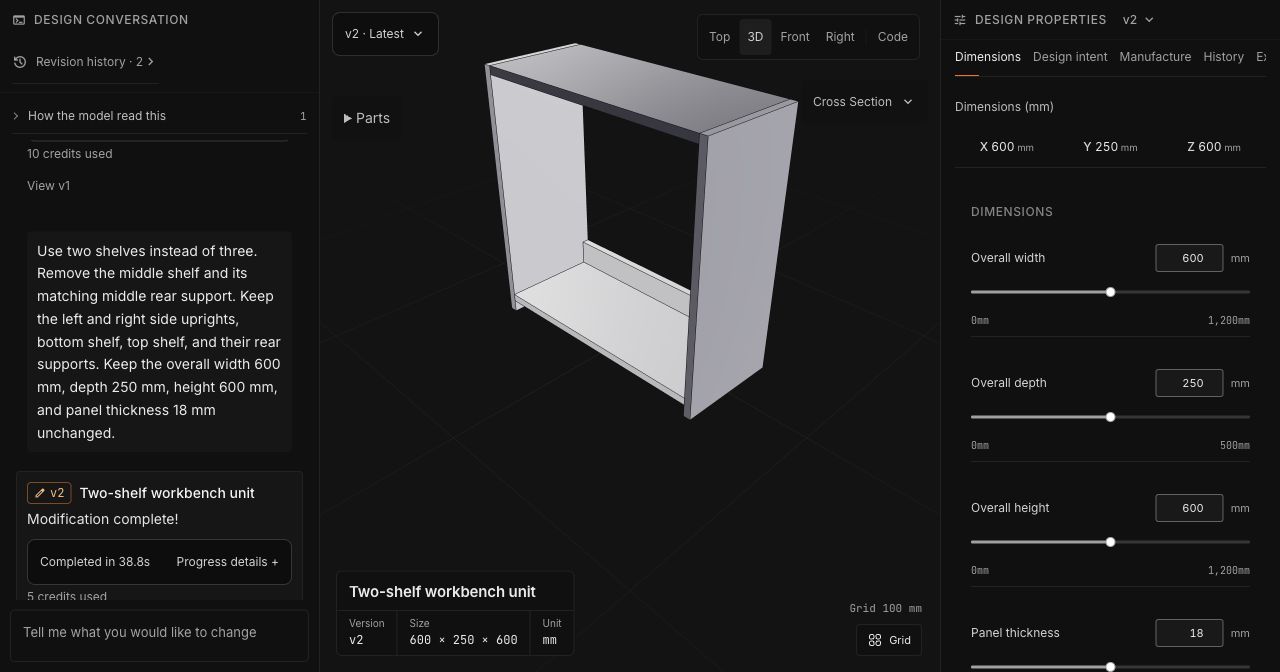
A real CADlingo session: choose a direction, inspect the first result, and change the shelf count while keeping the dimensions.
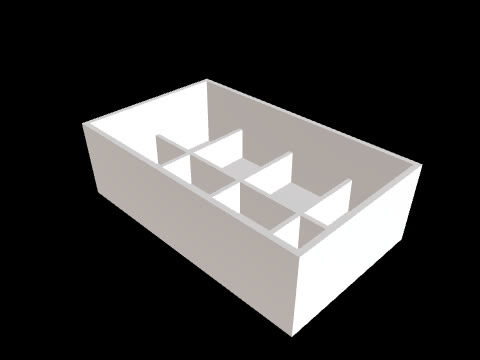
Read article →Open a saved CADlingo model, examine its internal ribs, and separate the dimensions you can adjust from the changes you need to describe.
Read article →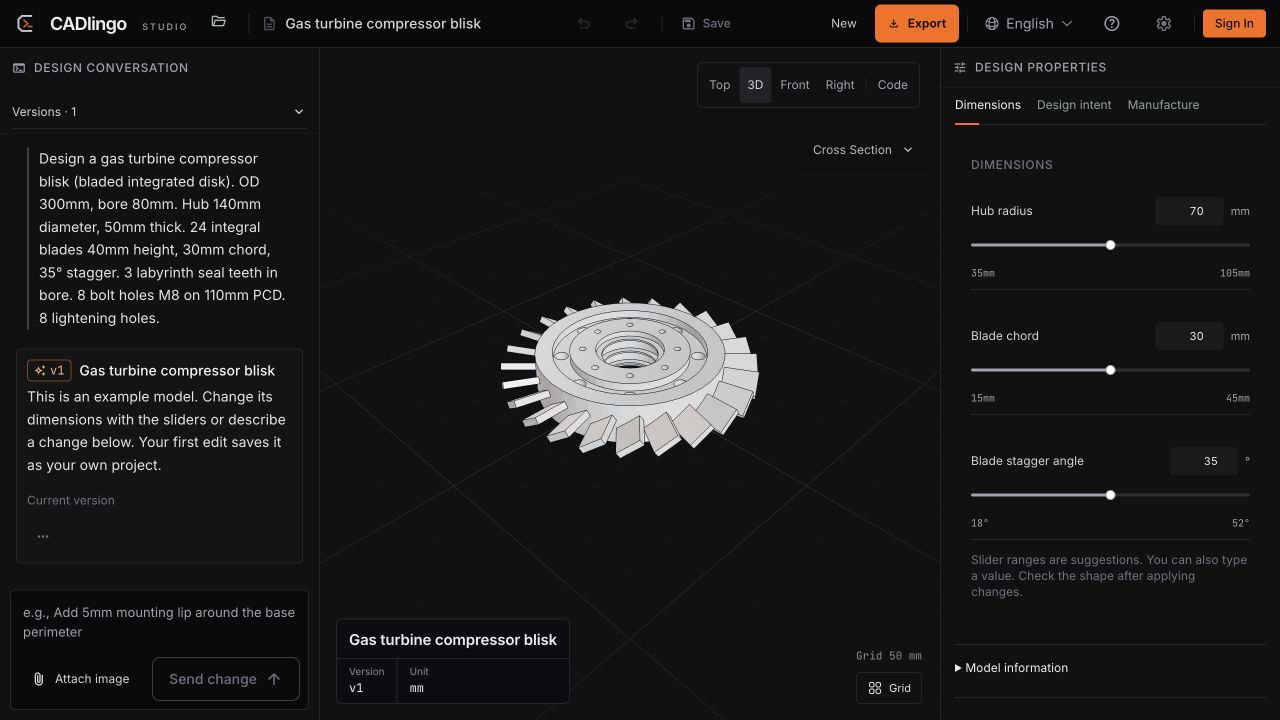
Complex geometry, models with multiple parts, and a closer look at the workflow behind CADlingo 2.0.
Read article →Open an example or describe a part you actually need.
Free credits and current offers