
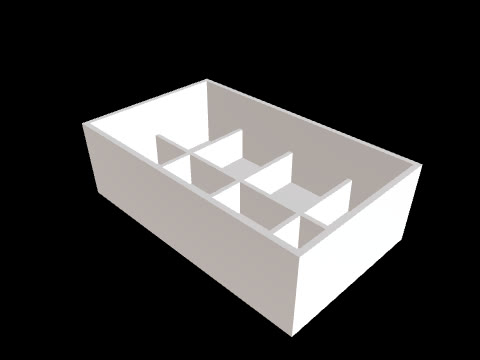
To begin editable parametric 3D CAD work from a photo or sketch, prepare reference images along with a description of the object, key dimensions, and points to review. CADlingo provides a workflow for generating CAD models from text or reference images and refining designs by adjusting the dimensions and parameters available in the model.
Add a description of the object to your reference images
When choosing reference images or sketches, prepare material that helps explain the shape you want to create. For an enclosure, specify whether you want to make the body, lid, vents, or mounting features. CADlingo’s enclosure example also explicitly describes required structures such as side vents and standoffs.
Specify dimensions and fit requirements with numbers
Start by documenting the object’s size and how it meets other parts. The official examples specify a desk thickness of 25 mm for a desk-mounted headphone hanger, and dimensions of 110 × 80 mm with drainage slots for a soap dish. Prepare your information in the same way, combining overall dimensions with the structures needed for the intended use.
For parts with holes or shafts, separately specify diameters, quantities, and positioning references. The official bevel gear example specifies a 15 mm shaft hole and four M4 holes on a 40 mm diameter bolt circle. The key is to explain which feature each dimension describes, rather than simply listing numbers.
Inspect and revise the generated model
Once the model is generated, view it from different angles to inspect its structure and compare it with your prepared dimensions. In CADlingo, you can adjust the parameters available in the model, preview the changed shape, and then apply the changes. You can request additional geometry changes through chat and restore earlier versions as needed while refining the same design.
Check files and versions for the intended handoff
You can choose STEP export for further CAD editing or STL export for 3D printing. Before handing over the design, recheck key dimensions and geometry, and document the version to review along with any remaining changes. If you plan to share it with WeeklyVentures, first establish the file format and review scope suited to that handoff.