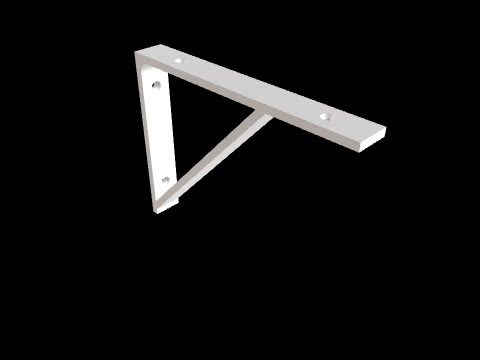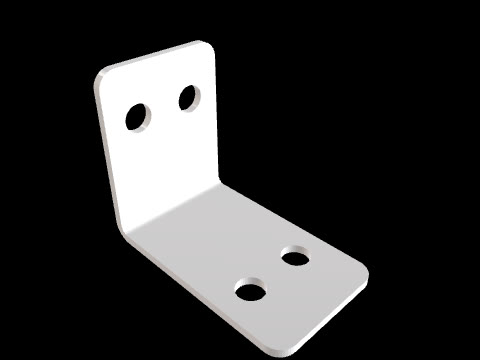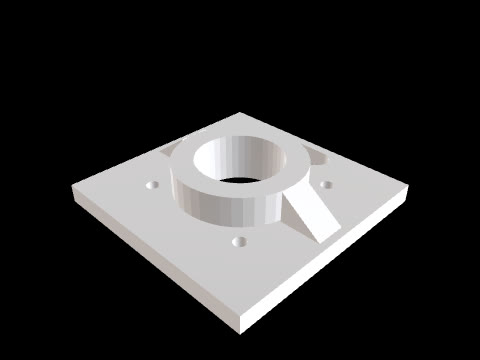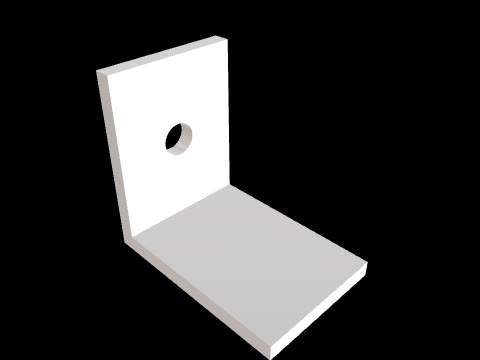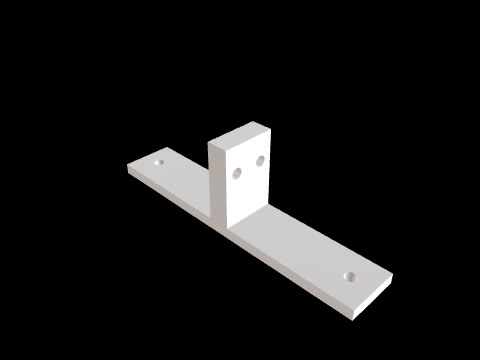
Corner bracket for 2020 extrusion
CADlingo generated this model from the prompt below. Open it in the studio to inspect it in 3D and view sections.
The prompt
Corner bracket for 2020 aluminium extrusion, one solid, 4 mm thick. Frame: the outer corner is at the origin; leg A lies along +X (X=0..40, Y=0..20, Z=0..4), leg B stands along +Z (X=0..4, Y=0..20, Z=0..40). Two triangular side gussets, 3 mm thick, close the sides at Y=0..3 and Y=17..20; each runs from the inside corner (X=4, Z=4) out to X=36 on leg A and Z=36 on leg B. Each leg has two Ø5.5 clearance holes for M5 T-nuts on its centre line Y=10, at 12 mm and 30 mm from the outer corner. On the outer face that touches the extrusion, each leg has a locating key 6 mm wide and 1.5 mm tall along its full length, centred on Y=10, that fits the 6 mm slot; the holes pass through the key. Round the free outer corners of both legs with R3.Model facts
- Overall size
- 41.5 × 20 × 41.5 mm
- Bodies
- 1
- Volume
- 9.3 cm³
Download
Check the geometry and dimensions in your own CAD tool or slicer before you make or use this part.