
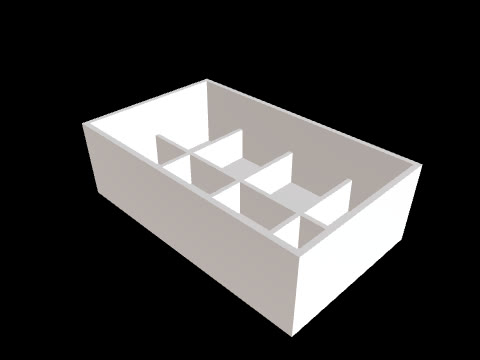
When reviewing a CAD draft, record not only what needs changing but also why it needs changing and what to check next. Small design teams can start by separating the conditions to address first, the areas to check after revisions, and the questions to ask before handoff.
Set revision priorities around the design purpose
First, define in one sentence what you want to assess with this draft. For an enclosure, the criteria might be the space for hardware and its mounting positions; for a product form review, they might be overall dimensions and proportions. Review the dimensions and geometry needed for that assessment first, and defer details that have less influence on it.
In revision notes, record both the subject and the reason. For example, writing “Check the mounting hole spacing first to compare it with the board’s fixing positions” instead of “Change the mounting hole positions” makes it easier to distinguish values that still need checking from items that actually need changing. If a value has not been determined, leave it as a question instead of choosing one arbitrarily.
Revise the same design and recheck the changed areas
CADlingo can generate editable 3D CAD models from text or reference images and lets you adjust the dimensions and parameters provided by the model. Change the viewpoint to inspect the structure, then separate numerical adjustments from geometry changes to request through chat. After making changes, recheck the relevant area of the same design.
Write each revision request with a clear scope to check. Instead of “Refine the whole thing,” specify both what to change and what to preserve, such as “Move this mounting feature while keeping the overall dimensions.” CADlingo also offers restoration of previous versions, which you can use when you need to reverse a revision direction.
Record the next review questions and handoff conditions
Include the subject to check and the assessment criteria in each question for the next review. Examples include “Does the mounting hole spacing match the board drawing?”, “Has the internal space been checked again after changing the lid geometry?”, and “Will the recipient make further CAD edits or evaluate 3D printing?” Beside each question, note who will check it and which drawings or dimensions are needed. You can also include WeeklyVentures in your notes as optional reading for the next review.
Before handoff, check that the model you will export is the same version used as the basis for review. CADlingo provides STEP export for further CAD editing and STL export for 3D printing. Choose the format according to the recipient’s intended work, and send the file together with the changes made and the questions that remain unanswered.