

From wordsto parametric 3D.
A rough idea or a detailed specification. Work with an AI CAD agent to create, inspect and refine parts, then export for CAD or 3D printing.
Text to CAD
Inspect the model
STL and STEP export
Refine in chat
Describe the part
Start with an idea or include dimensions, intended use and constraints.
Check the result
Rotate the model and use cross sections to inspect its interior.
Download the model
Choose STL for a slicer or STEP to continue working in CAD.
Your intent. Geometry you can develop.
Focus on what the part needs to do. Let AI handle the modeling, with tools to inspect, revise and carry the result forward.
Start with what you know
Describe a purpose, a rough idea or detailed requirements. Develop the design with an AI agent as the requirements become clearer.
Build around dimensions
Create parametric solid geometry for parts and multi-part models. Inspect internal features and adjust the parameters the model exposes.
Keep developing the design
Request changes in chat, revisit saved versions, and export available STL or STEP files for your next CAD or prototyping step.
Models CADlingo actually made
Open a saved model in the Studio. Rotate it, inspect a section, and explore its available dimension controls.
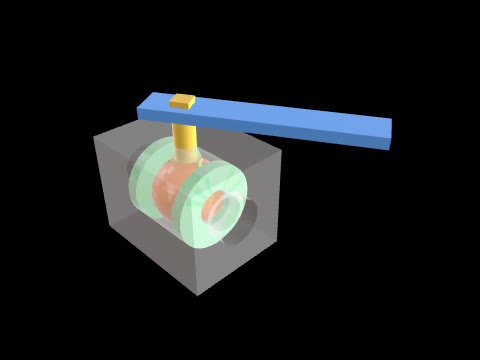 6 parts
Lever ball valve, 30° open
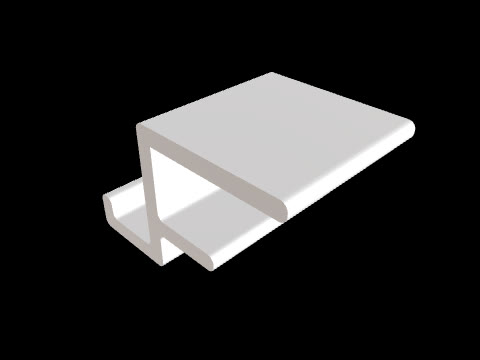
Clamp-on headphone hook
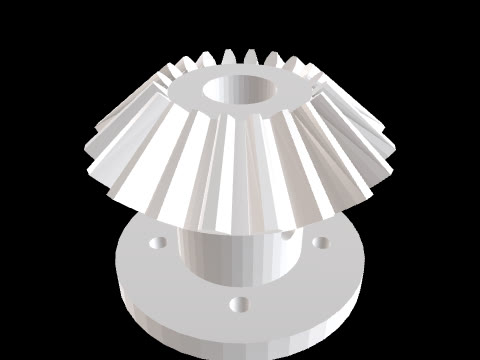
Straight bevel gear with flange
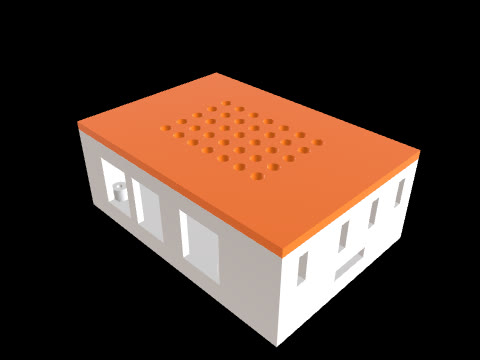 2 parts
Raspberry Pi 5 case with vented lid
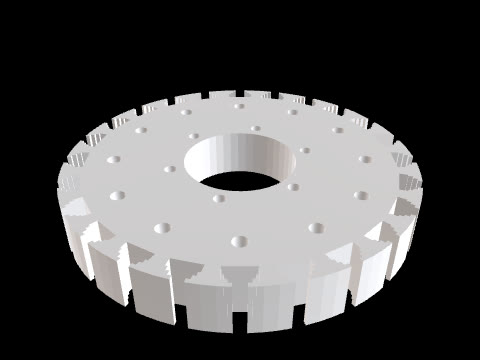
Turbine disc with fir-tree slots
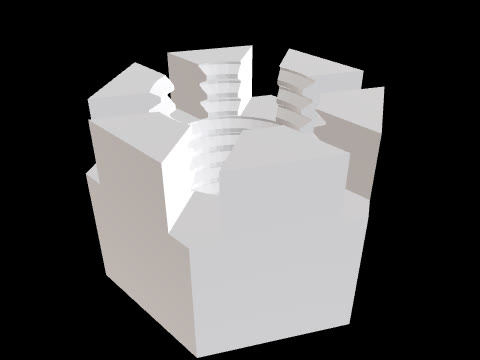
M16 castle nut with threads
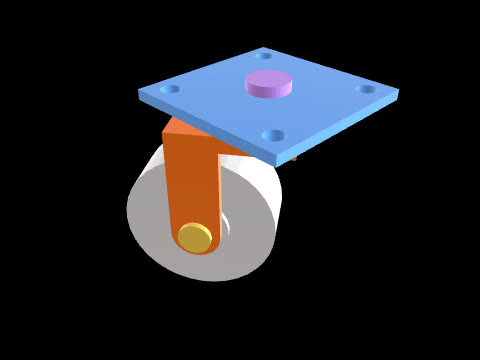 7 parts
Swivel caster, 7 parts
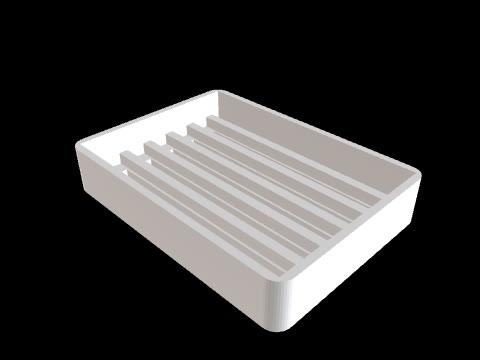
Soap dish with drain slots
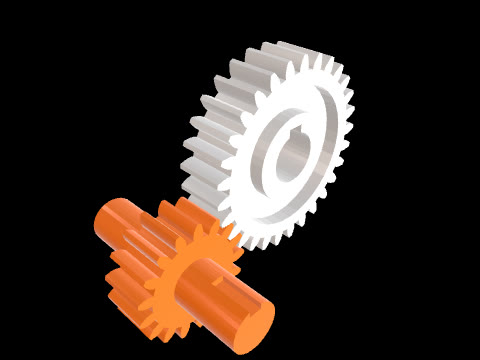 2 parts
Meshing spur gear pair
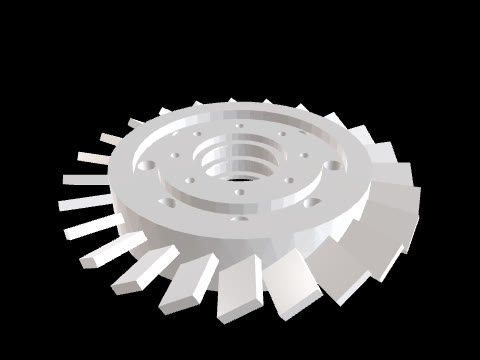
Compressor blisk, 24 blades
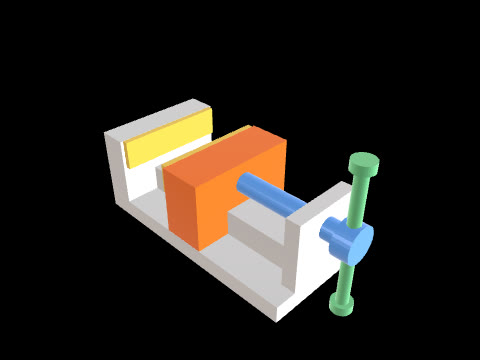 6 parts
Bench vise, 6 parts
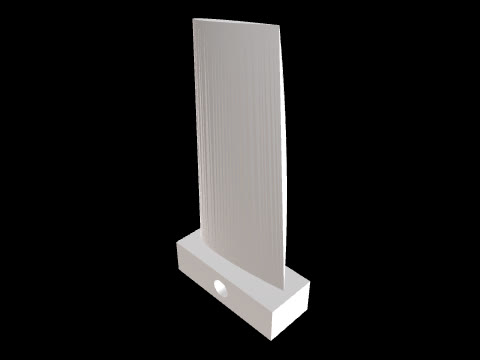
NACA airfoil blade
A CAD workspace to shape your ideas.
See the workflow, from inspecting a model to refining it and exporting your design.
Open the workspace01 / 04
Make CAD design more accessible.
We help makers, engineers and hardware founders turn design intent into parametric CAD they can examine and develop toward real parts. Our long-term vision is a development environment that turns human intent into physical products.
Why we build CADlingo
Bring the part you want to make
Start with an idea, explore an example, or describe the dimensions and function you already have in mind.